TalkAll – Designing a Multi-Role SaaS Platform from Scratch

TalkAll was envisioned as an omnichannel customer support platform designed to centralize communication between companies, their customers, and internal support teams.

There was no previous product. No legacy system. No validated flows.

The goal was to define the interface architecture and user experience from scratch, translating stakeholder vision into a scalable and usable SaaS product.

TalkAll was envisioned as an omnichannel customer support platform designed to centralize communication between companies, their customers, and internal support teams.

There was no previous product. No legacy system. No validated flows.

The goal was to define the interface architecture and user experience from scratch, translating stakeholder vision into a scalable and usable SaaS product.

Client

TalkAll

TalkAll

Team

1 Designer (me)
1 Product Manager

1 Designer (me)
1 Product Manager

Industry

Tech / SaaS

Tech / SaaS

Duration

1 month

1 month

Challenge

When I started designing the app for TalkAll, the initial briefing was pretty straightforward: build a support system that brought everything together in one place. An app where agents could manage customer requests while staying in sync with their internal team.

At first glance, it looked like “just another ticketing system.” But the real complexity emerged quickly:

  • Multiple user roles operating in the same environment;

  • External communication (customer-facing) and internal collaboration;

  • High-pressure workflows;

  • Need for clarity in information-dense interfaces.

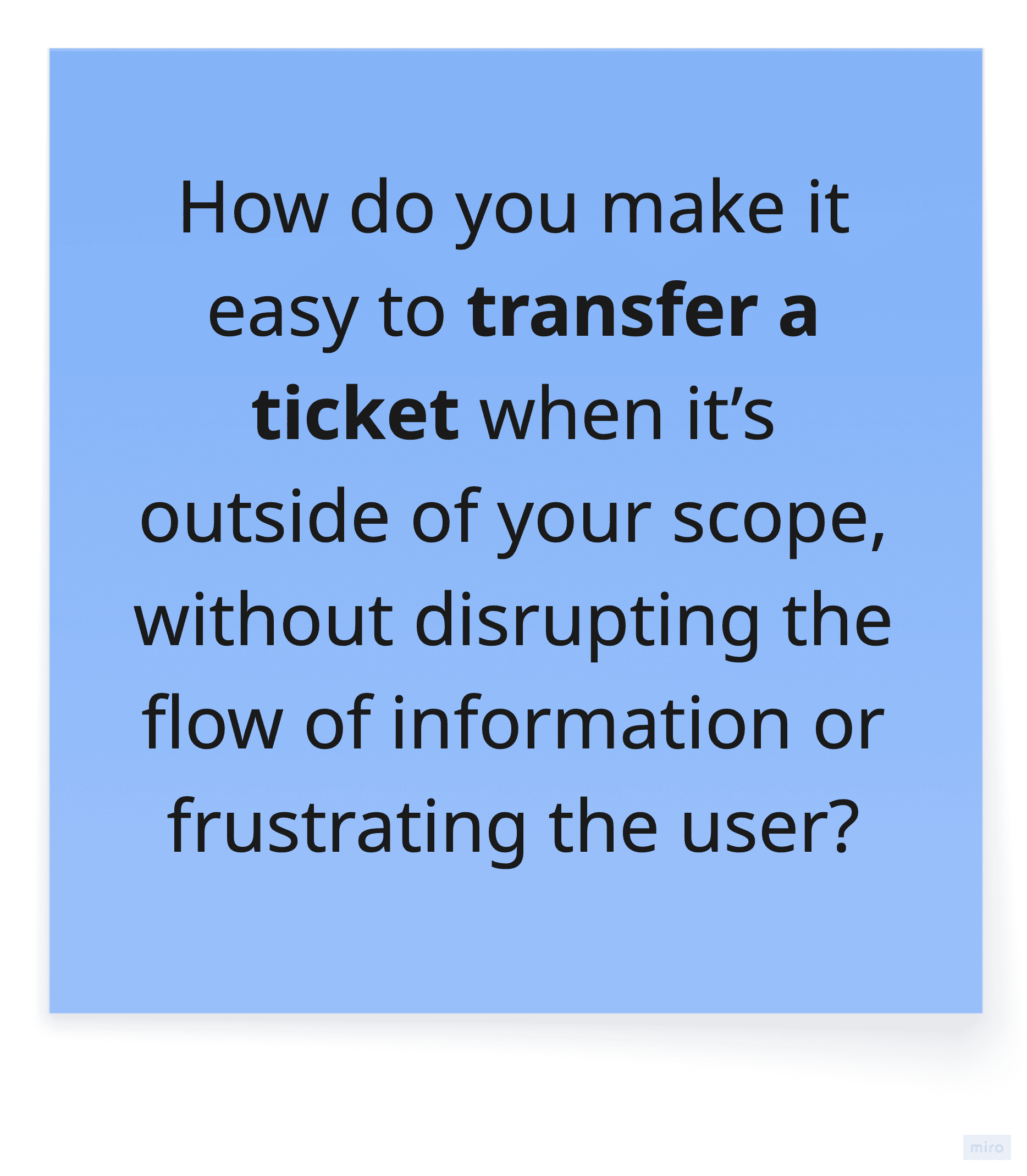
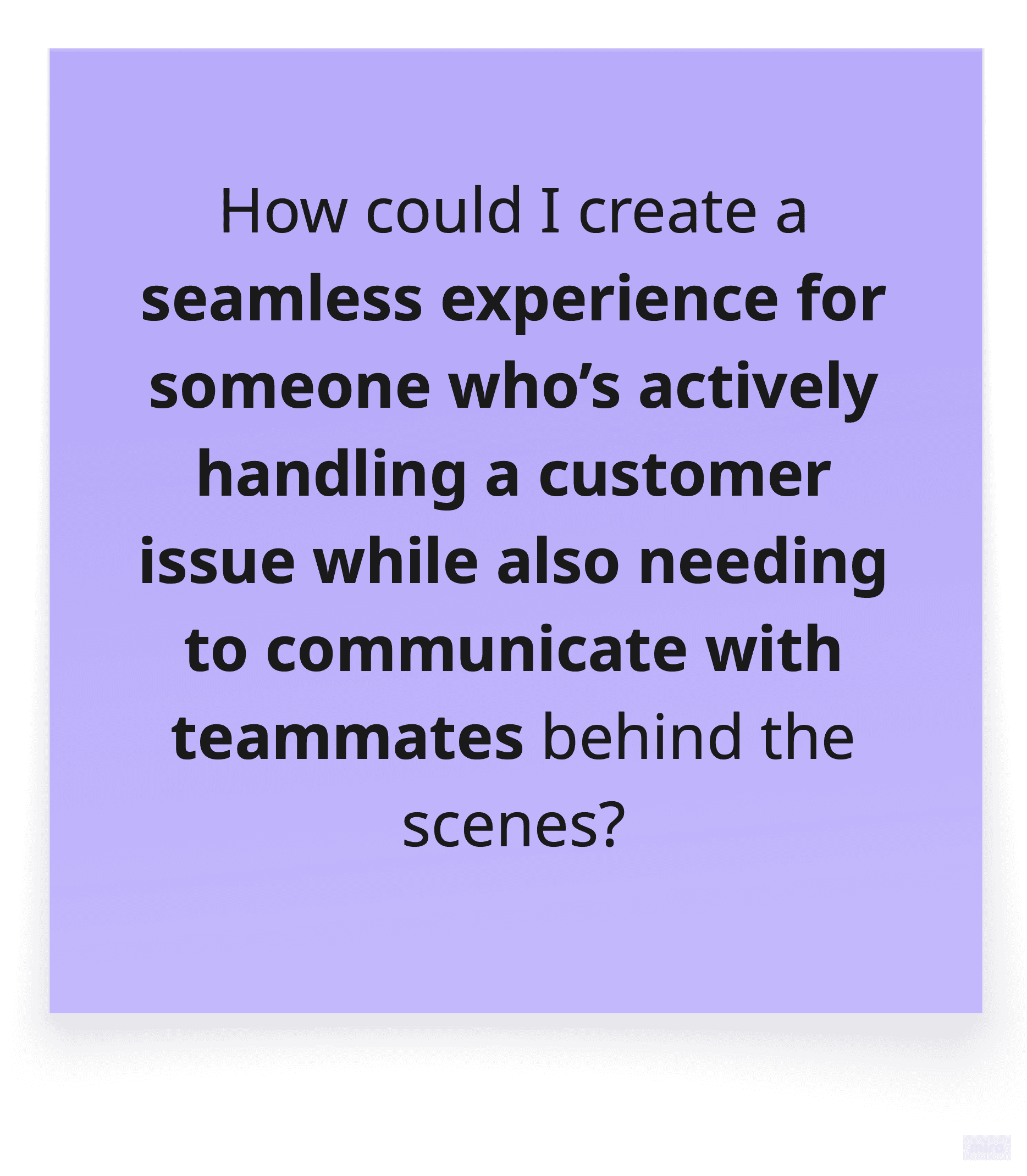
There was no existing structure to optimize — only stakeholder expectations, references, and business goals. These were my questions:
My role

As the sole designer, I was responsible for:

  • Translating stakeholder input into structured user flows;

  • Defining the information architecture;

  • Designing all core interfaces;

  • Establishing UI patterns and component logic;

  • Creating a modular structure ready for future scalability.
Defining Structure Under Ambiguity

Since there was no validated user research or prior product data, the first step was aligning closely with the Product Manager to clarify:

  • Core business objectives;

  • User roles and permissions;

  • Critical workflows;

  • Operational priorities.

From there, I mapped the primary flows:

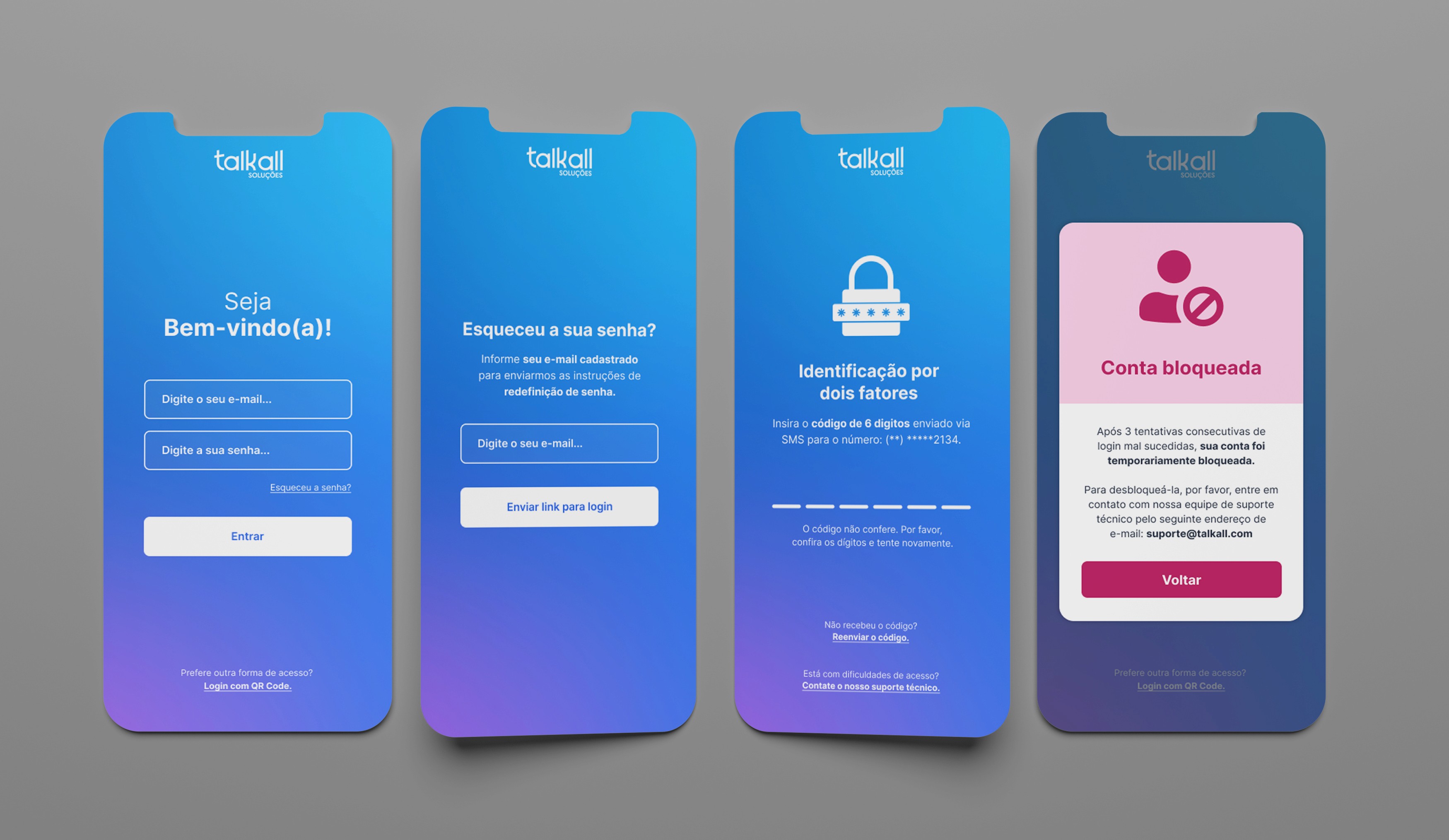
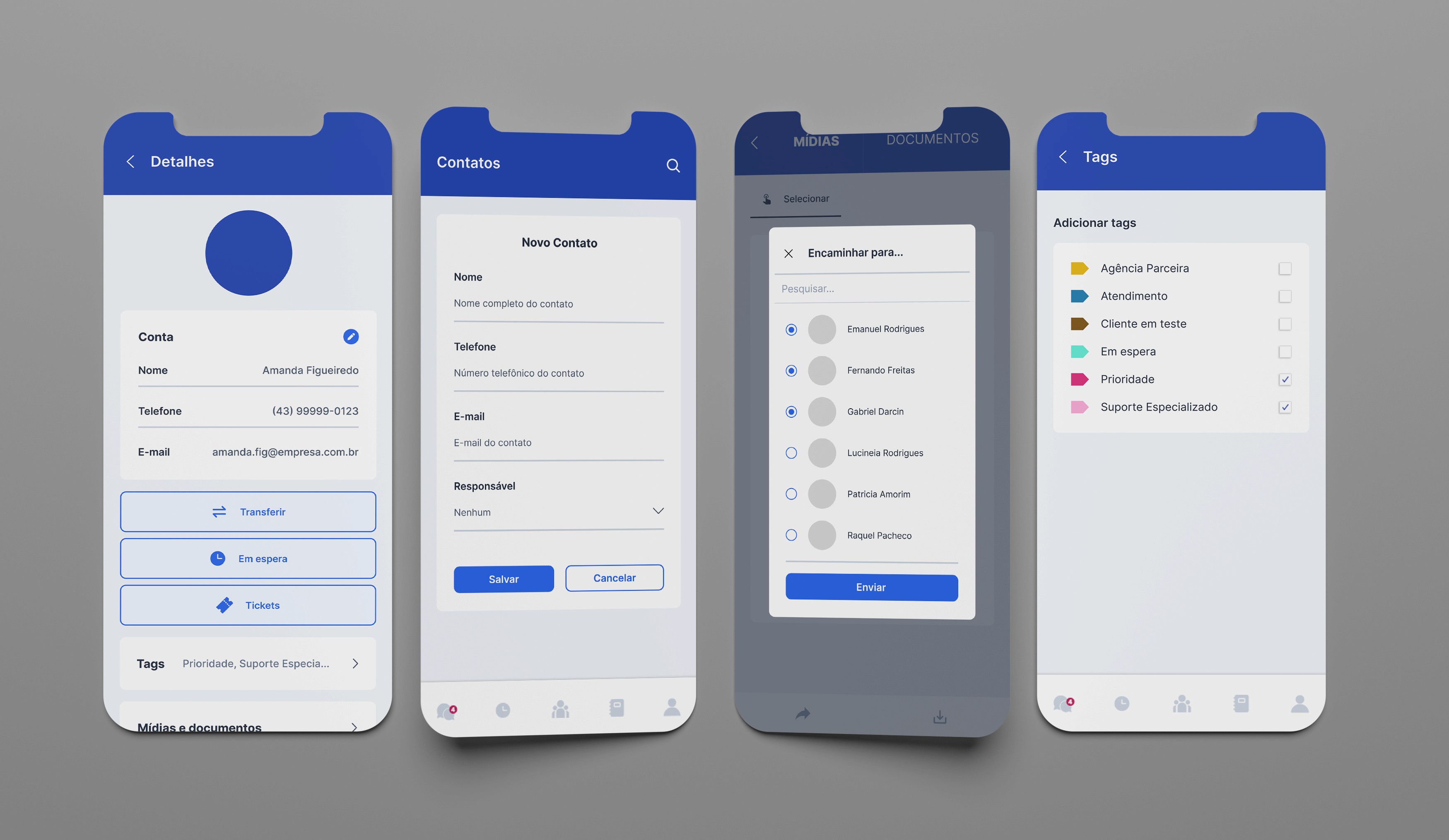
  • Login and account access (including error states);

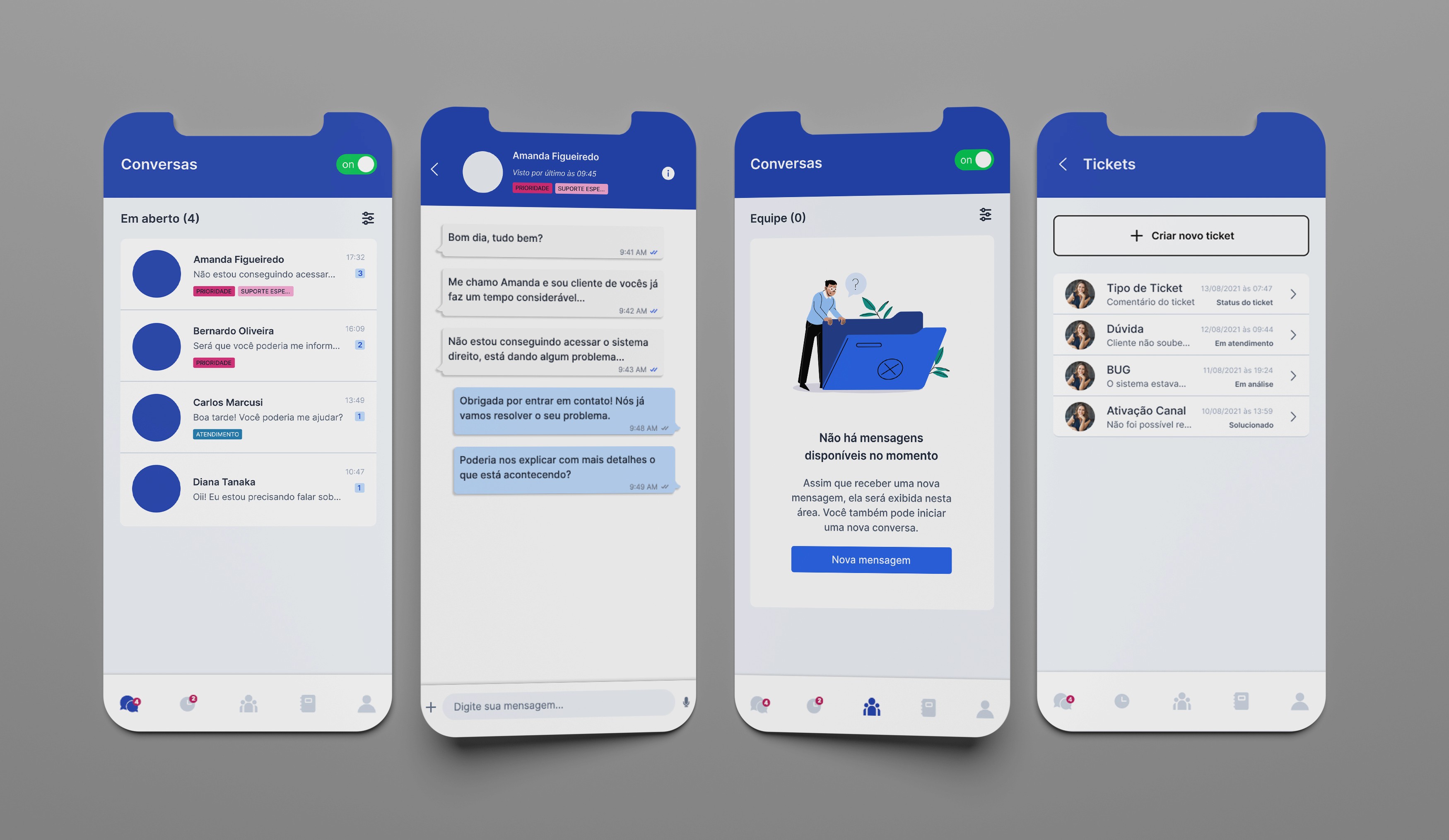
  • Ticket management with filters and statuses;

  • Chat interface for both customer and internal communication;

  • Ticket transfer between agents;

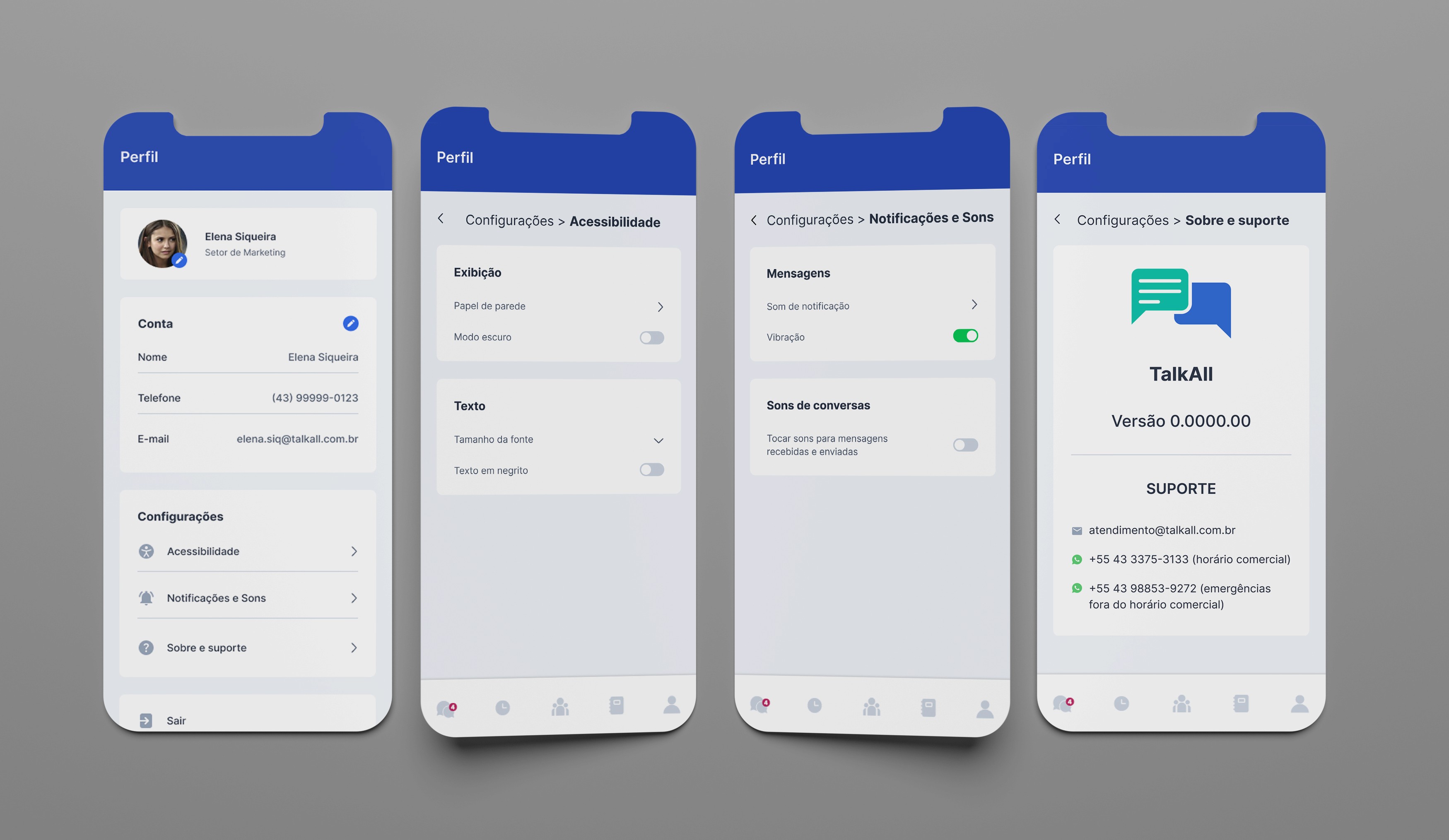
  • User profile and system settings.

The focus was not on adding features, but on reducing friction in high-volume support scenarios.
Design Solutions

Here are some of the solutions I implemented to support the app’s complexity:

  • Clear visual hierarchy to guide users through busy interfaces without overwhelming them;

  • Smart use of tags and filters to help agents find tickets quickly and stay organized;

  • Empty and error states that inform and guide users when something goes wrong — not just block them;

  • Consistent iconography and typography for better scannability and faster navigation.

Each design decision served a purpose: to make things easier, faster, and more intuitive, even when the tasks were complex.
Components
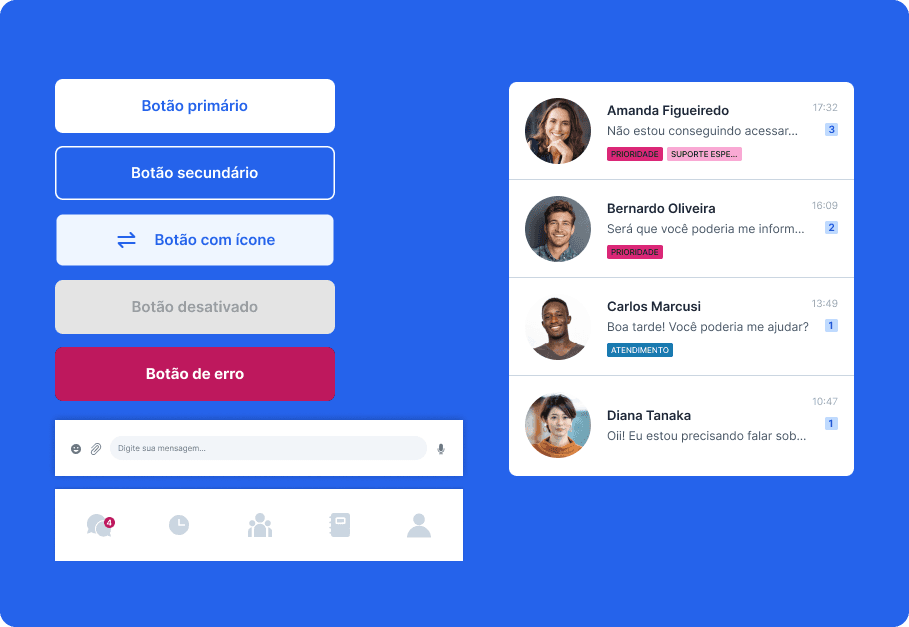
Although I wasn’t tasked with building a full design system, I intentionally created reusable patterns:

  • Button variations (primary, secondary, danger, disabled);

  • Status tags with consistent color logic;

  • Card-based ticket layout;

  • Persistent navigation structure.

This modular approach ensured the product could scale without redesigning core structures.

Although I wasn’t tasked with building a full design system, I intentionally created reusable patterns:

  • Button variations (primary, secondary, danger, disabled);

  • Status tags with consistent color logic;

  • Card-based ticket layout;

  • Persistent navigation structure.

This modular approach ensured the product could scale without redesigning core structures.

Trade-Offs & Constraints

Given the short timeline and early-stage nature of the product:

  • We avoided over-customization to prevent unnecessary complexity;

  • We prioritized structural clarity over visual experimentation;

  • Decisions were guided by SaaS best practices and stakeholder alignment.

The focus was building a solid foundation rather than over-engineering the first version.

Given the short timeline and early-stage nature of the product:

  • We avoided over-customization to prevent unnecessary complexity;

  • We prioritized structural clarity over visual experimentation;

  • Decisions were guided by SaaS best practices and stakeholder alignment.

The focus was building a solid foundation rather than over-engineering the first version.

Outcome

The UI was approved for development and established:

  • A clear multi-role interaction framework;

  • Structured ticket management logic;

  • Scalable UI patterns;

  • Consistent navigation architecture.

Although the product was not implemented during my involvement, the project defined the foundational experience layer for the platform.

The UI was approved for development and established:

  • A clear multi-role interaction framework;

  • Structured ticket management logic;

  • Scalable UI patterns;

  • Consistent navigation architecture.

Although the product was not implemented during my involvement, the project defined the foundational experience layer for the platform.

Create a free website with Framer, the website builder loved by startups, designers and agencies.